
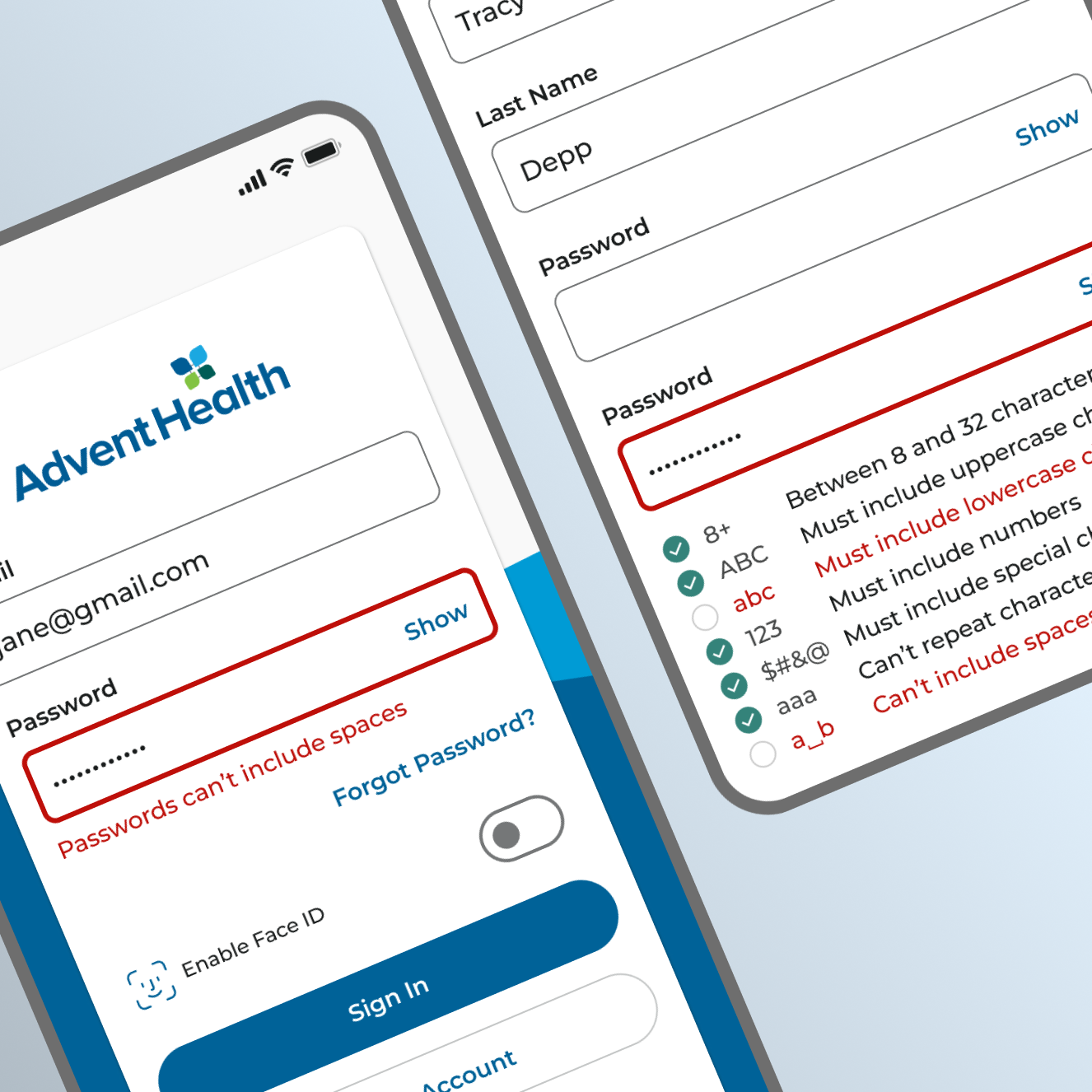
Clear age requirements decrease patient frustration while lowering related support calls.
- Product Design
- Product Strategy
The Challenge
Support call feedback indicated significant patient frustration with connecting health records in the AdventHealth app and web portal.
The high call volume was placing a strain on the support team, along with adding extra expense to the business. At the same time, the patient’s experience was a major pain point.
Evaluation & Understanding
Digging deeper into the support team’s feedback and the existing account creation process sheds new light on the situation.
The core of the patient’s struggle seemed to be centered around parents trying to connect the health records of their children.
The existing user interface lacked the clarity needed to make it clear that patients under the age of 14 were not allowed to have their own AdventHealth Account.
To connect the health records of patients under 14, the parent or legal guardian would need to add the child as a proxy to their own AdventHealth Account.
The key issue was that there was nothing in the existing experience to make that distinction understood. This led to error and failure states only after the user had completed the entire process of entering the child’s information.
Existing Record Connection Screen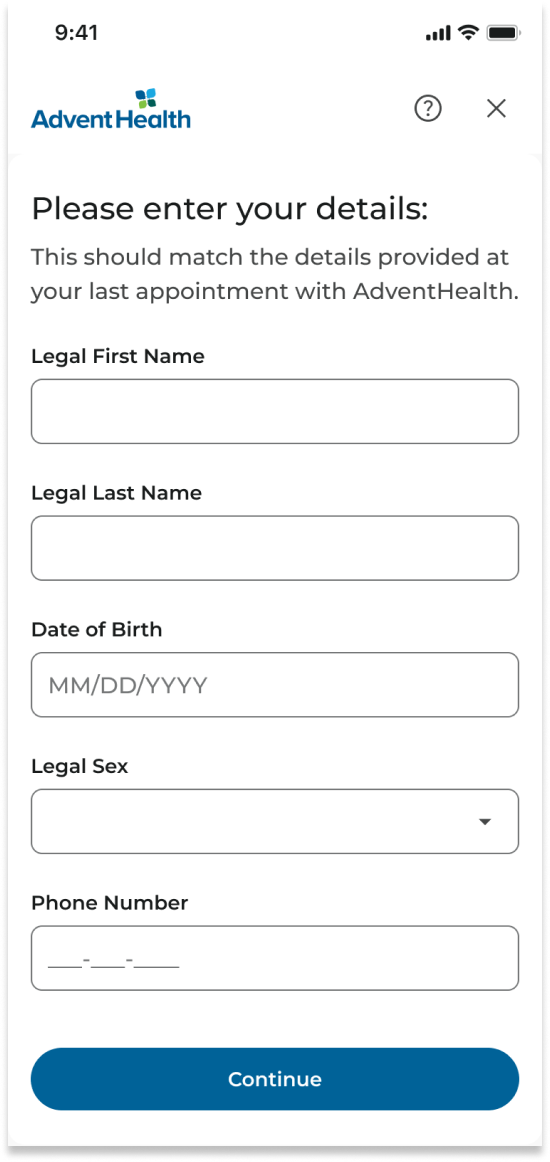
Hypothesis
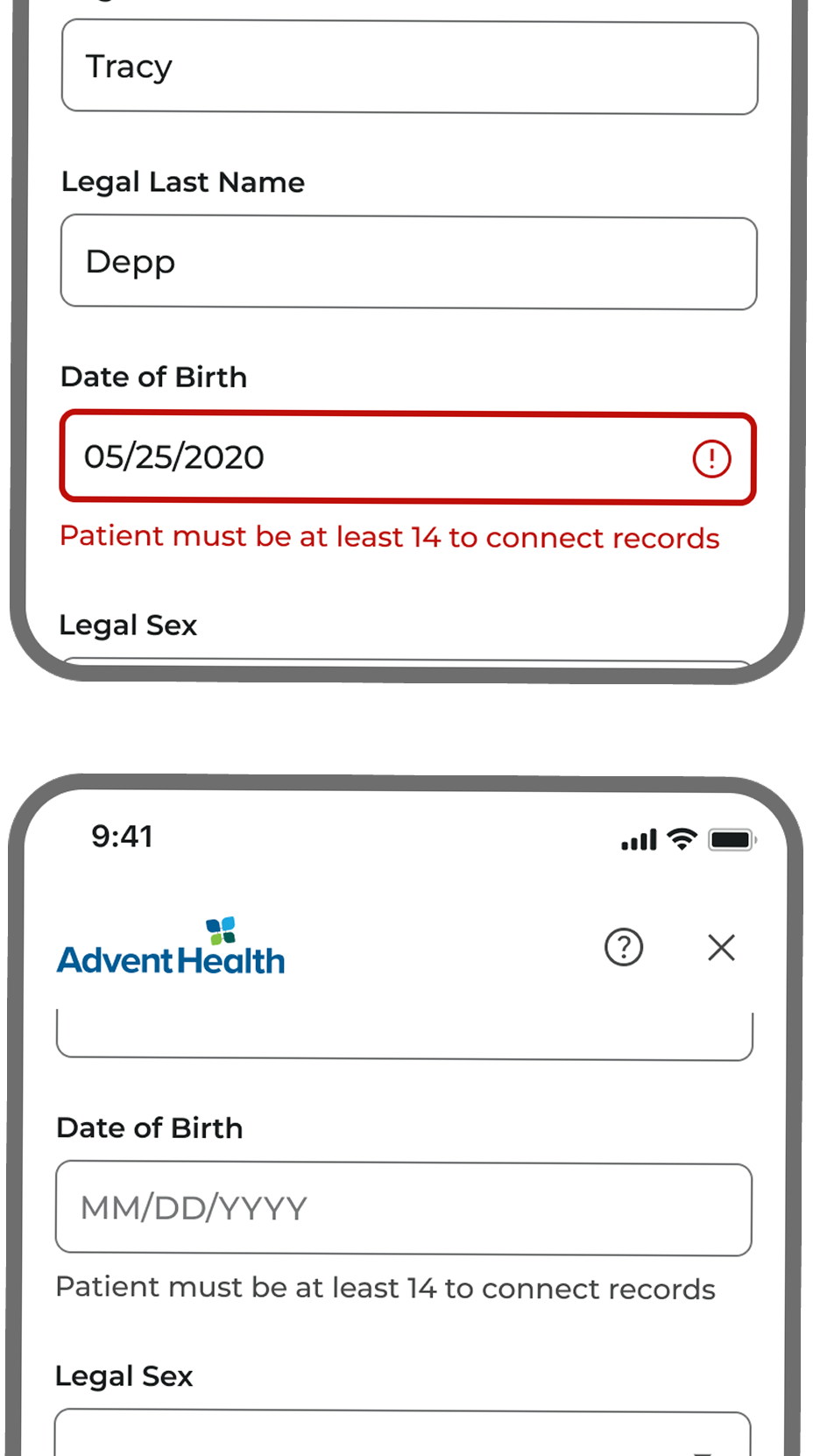
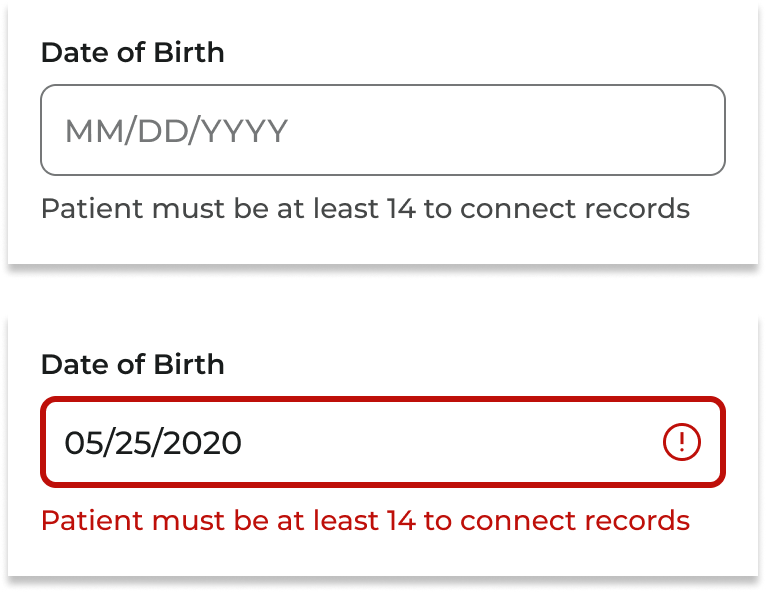
By introducing clear visual age requirement signifiers, in the form of helper text and error states, we can accomplish the following:
- Set the expectation that, for a patient to have their own account or connect their own records, they must be over 14 years old.
- Reduce patient frustration and confusion caused by a lack of age requirements.
- Decrease the support call traffic related to age requirement account creation issues, thereby reducing costs for the organization.
Execution & Results
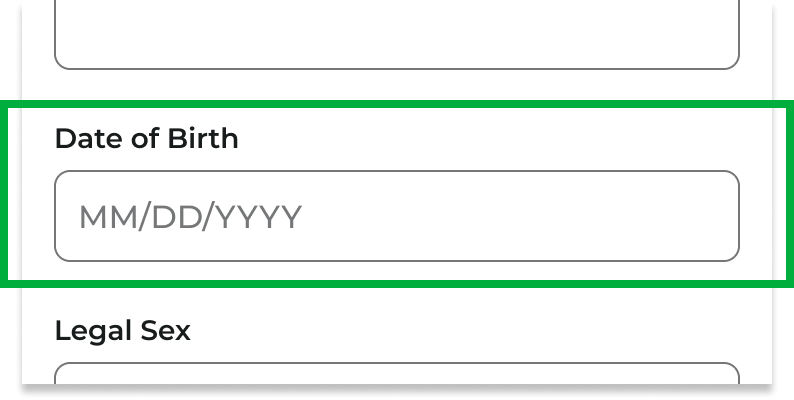
After implementing the visual signifiers on the date of birth field, we successfully:
- Decreased support call volume on related issues by 85%.
- Increased successful account enrollment and record connection by 60%.
- Increased successful child/proxy record connection by 75%.
- All contributing to a reduction in consumer frustration and negative sentiment.
More Case Studies

Key contributions to AdventHealth’s 50+ page design system, Creation UI.