
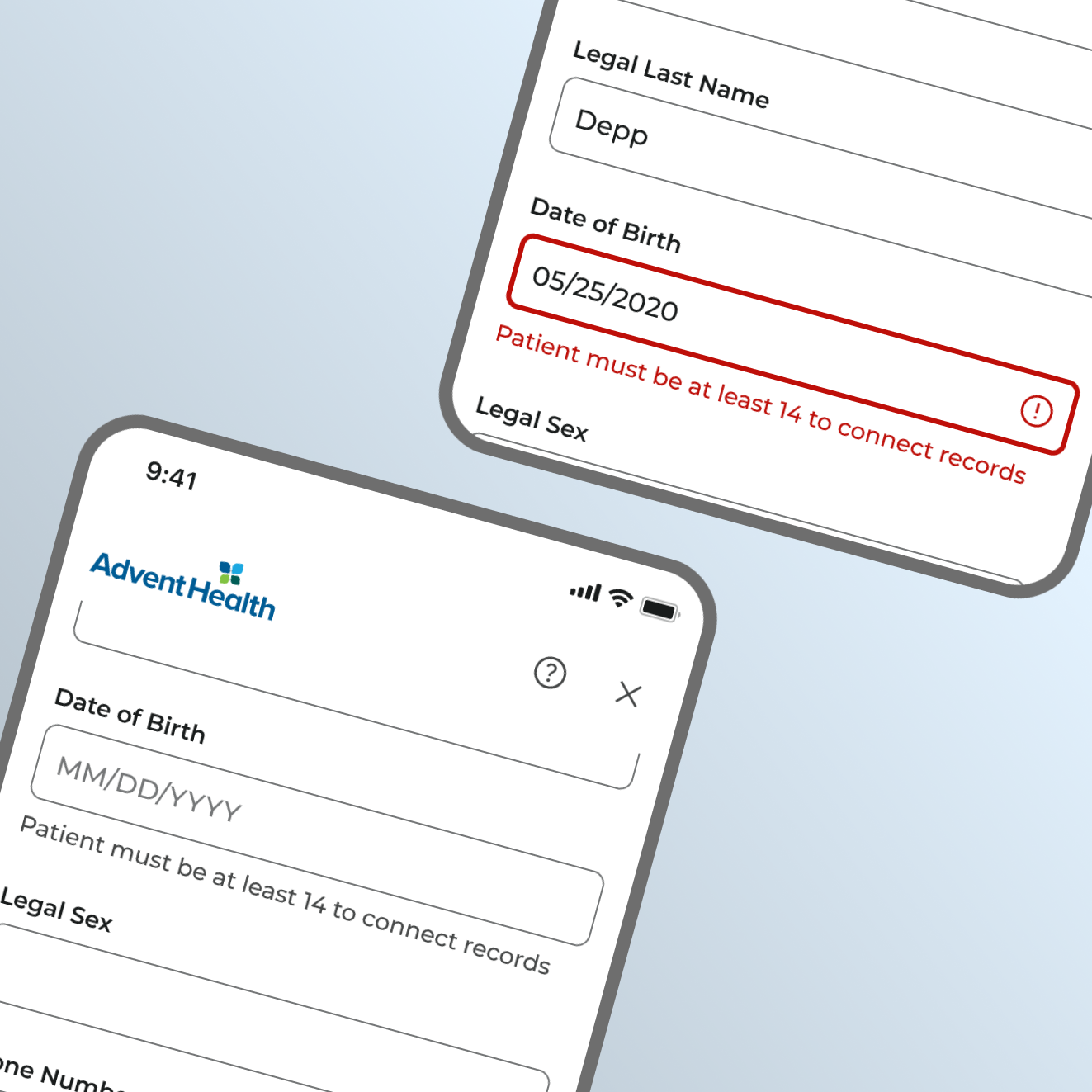
Password field improvements reduce support call volume while increasing account enrollment.
- Product Design
- Product Strategy
The Challenge
Support team metrics indicated a high volume of calls related to password challenges.
This, combined with in-app drop-off rates on password-related screens, painted the picture of a business and user pain point.
Something about the existing password instances in production was preventing consumers from progressing through the experience, resulting and increased support call traffic.
This was both an expense for the organization and a source of friction for the patient.
Evaluation & Understanding
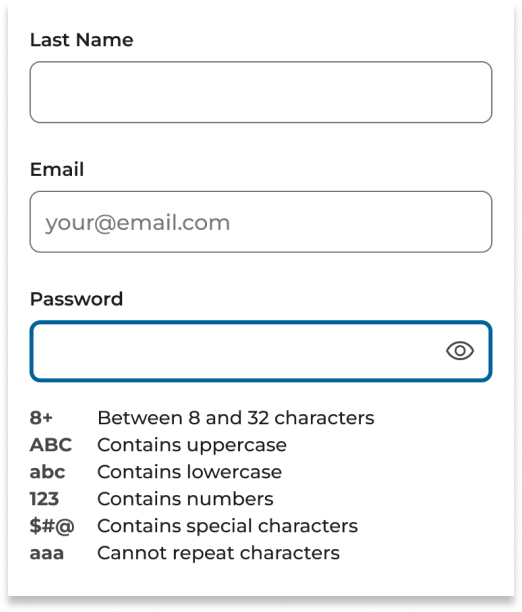
After review of the existing password field designs and support call records, there were some key learnings.
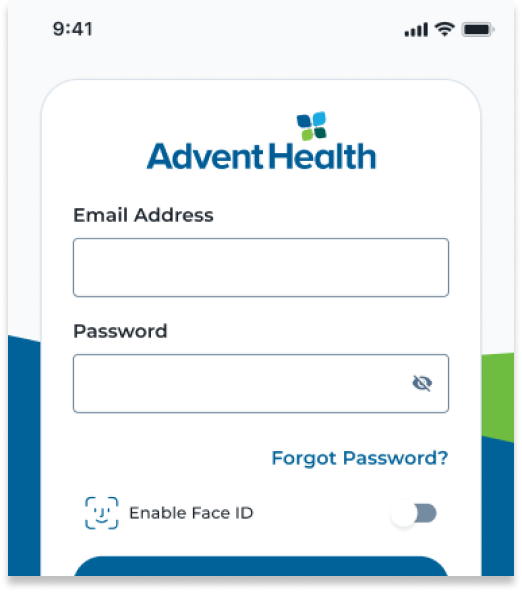
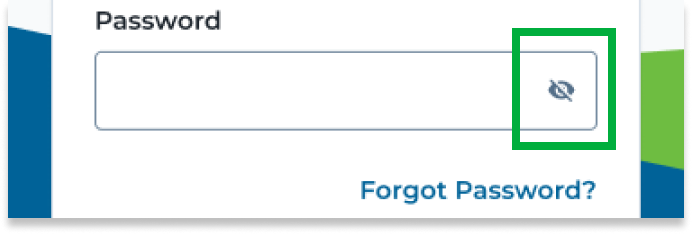
Support call records revealed that patients were often unaware that they could un-hide their password as they were typing it.
One of the main password-related support call fixes was removing accidental spaces included in the password. This was a contributing blocker keeping users from completing account creation.
Hypothesis
We could help reduce support call volume as well as password-related drop-offs by:
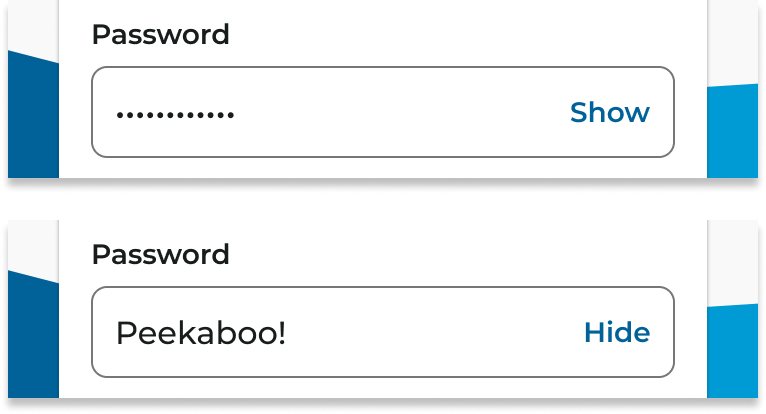
- Replacing the Hide/Show eyeball icon with the text “Hide” and “Show” for extra clarity of the function.
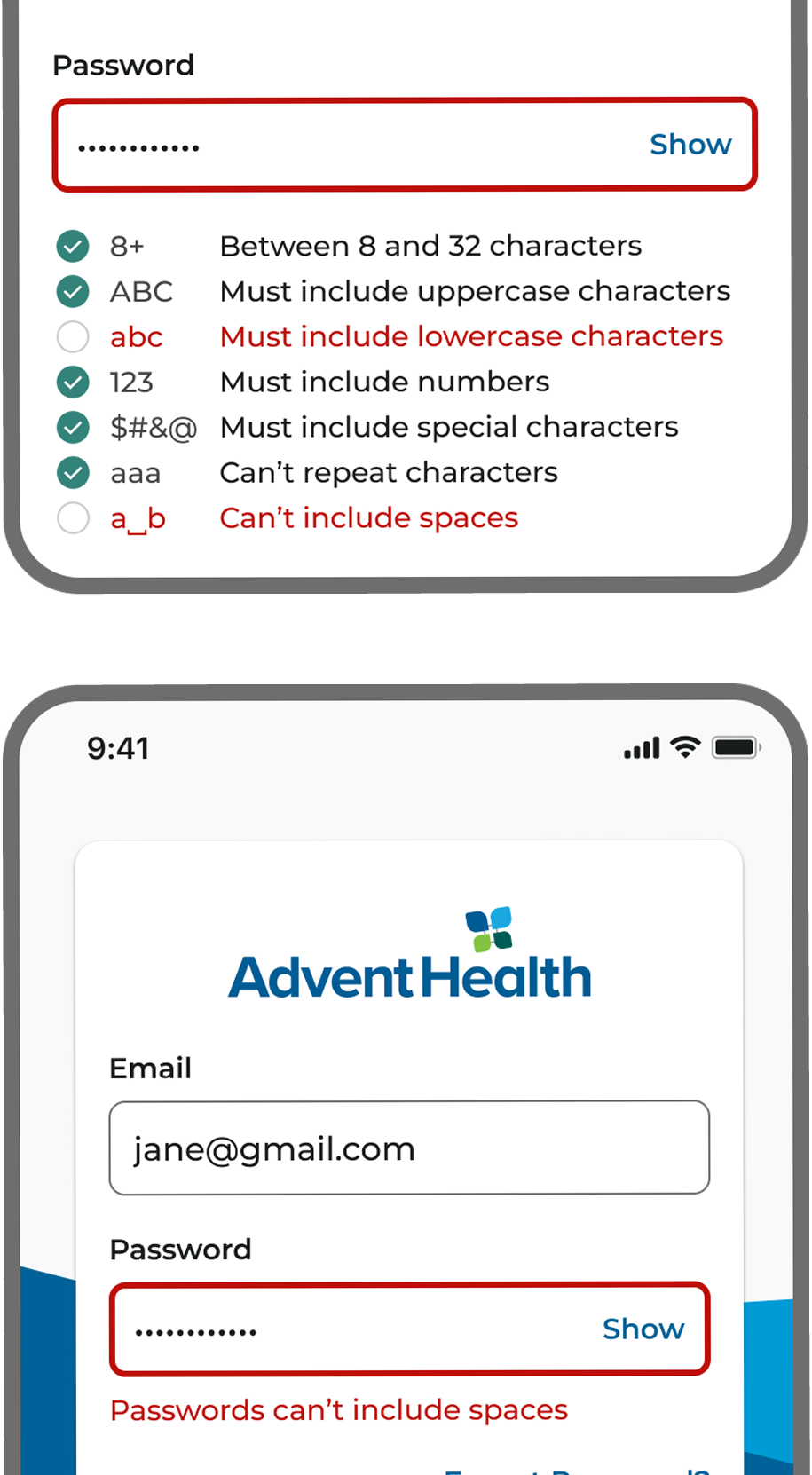
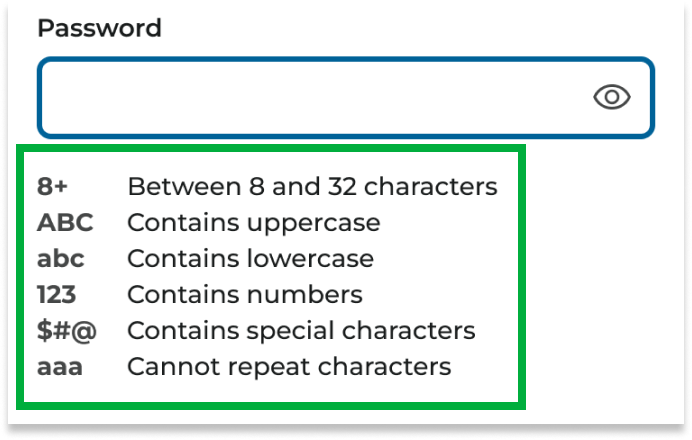
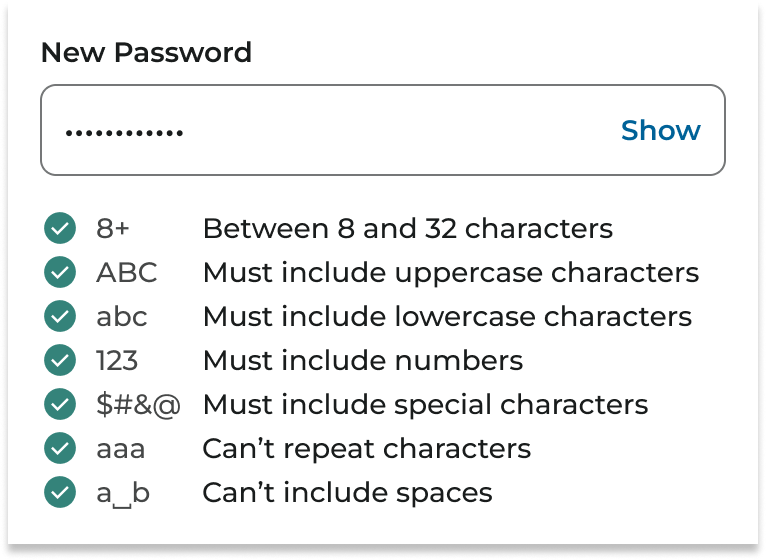
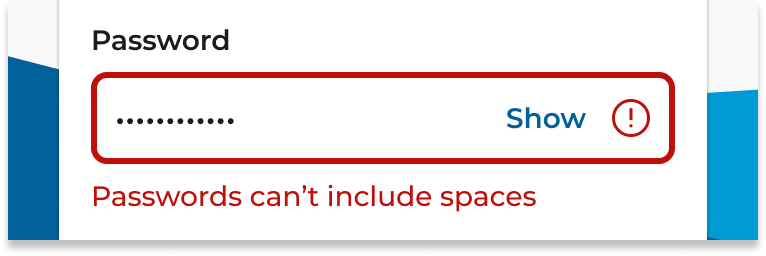
- Adding new helper text, error states, and password requirements to password fields in case a space is accidentally typed.
Execution & Results
Show & Hide Buttons
After implementing the “Hide” and “Show” buttons, related support calls decreased by 75%.
No Spaces Requirement
With the addition of password requirements for spaces, our adoption and enrollment rates increased by 30%.
Space Error State
The space-related error state also decreased support calls regarding the topic by 95%
More Case Studies

Key contributions to AdventHealth’s 50+ page design system, Creation UI.